You haven't signed in yet, you can have a better experience after signing in
*Please complete the payment within {{receiveCouponInfo.expire_at}}Previous use*
You haven't signed in yet, you can have a better experience after signing in
 URL for Remote Desktop URL hyperlink redirection for remote desktop software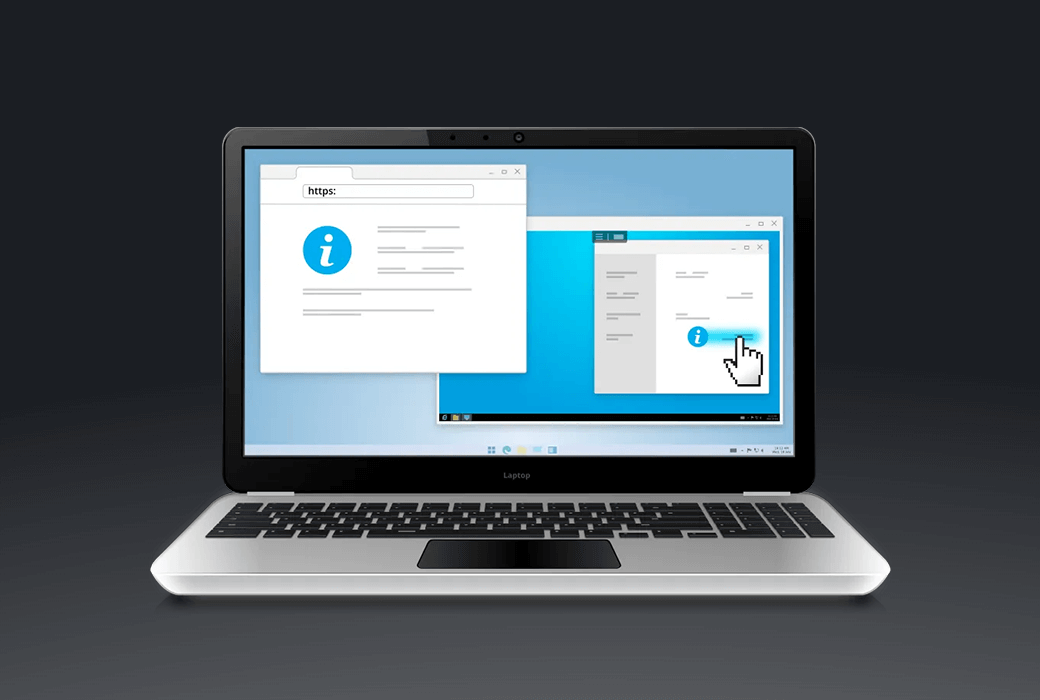


Activity Rules
1、Activity time:{{ info.groupon.start_at }} ~ {{ info.groupon.end_at }}。
1、Activity time:cease when sold out。
2、Validity period of the Group Buying:{{ info.groupon.expire_days * 24 }} hours。
3、Number of Group Buying:{{ info.groupon.need_count }}x。
Please Pay Attention
1、Teamwork process: Join/initiate a Group Buying and make a successful payment - Within the validity period, the number of team members meets the activity requirements - Group Buying succeeded!
2、If the number of participants cannot be met within the valid period, the group will fail, and the paid amount will be refunded in the original way.
3、The number of people required and the time of the event may vary among different products. Please pay attention to the rules of the event.
URL for Remote Desktop Remote Desktop URL
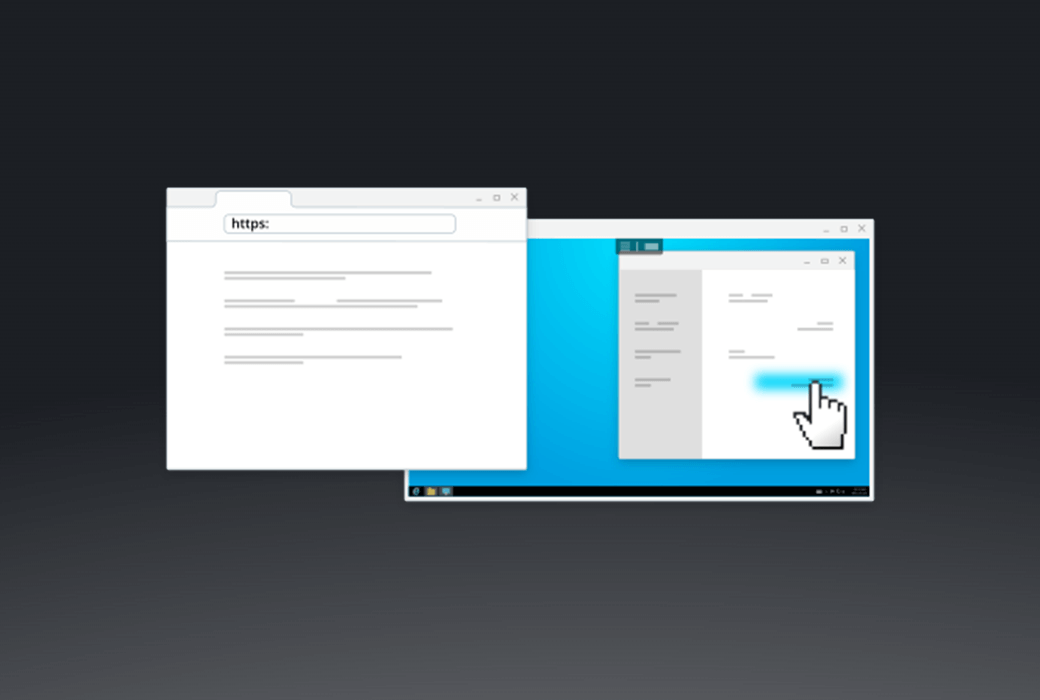
Hyperlinks are more powerful than ever before. Remote click, local reading.
URL for Remote Desktop is a convenient software tool that allows hyperlinks embedded in applications running in a remote desktop session to be opened through the corresponding application on the local computer or thin client. Simply click on the link in the remote session to open it in the local browser.
This product can be used in various remote work scenarios to help overcome network or security limitations, or establish new ones.
working principle
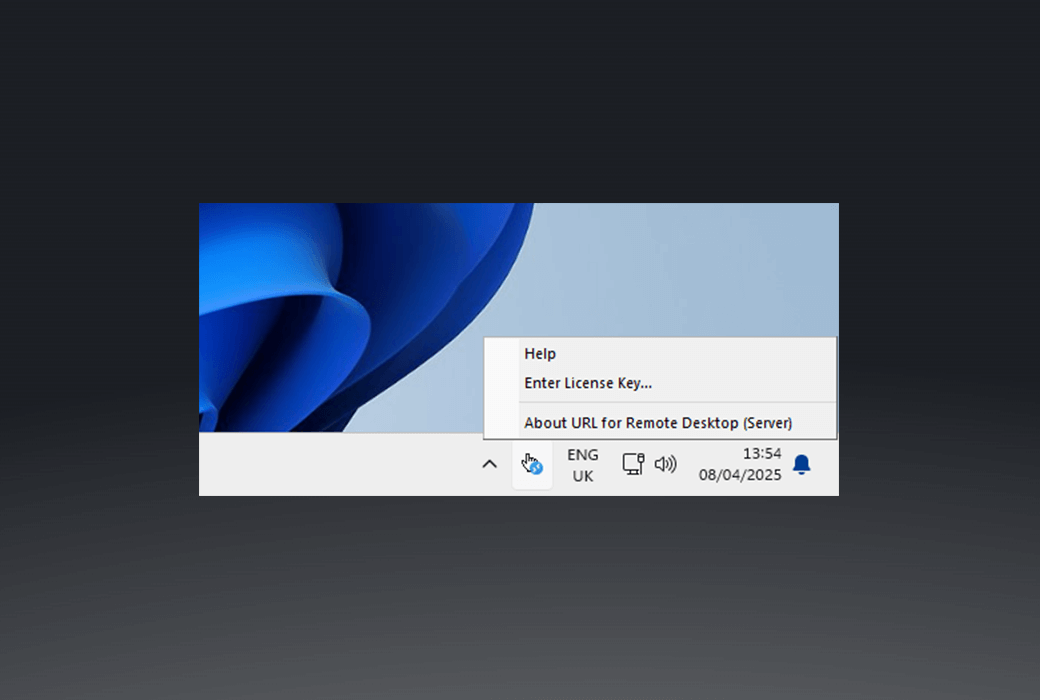
The remote desktop URL consists of two parts. The workstation is partially installed on the local computer. The server is partially connected to a remote server to intercept link click events.
Now, every time you click on any link in a remote desktop session, your default browser pops up the URL requested on your local computer.
Main Features
Remote Desktop Protocol in Different Environments
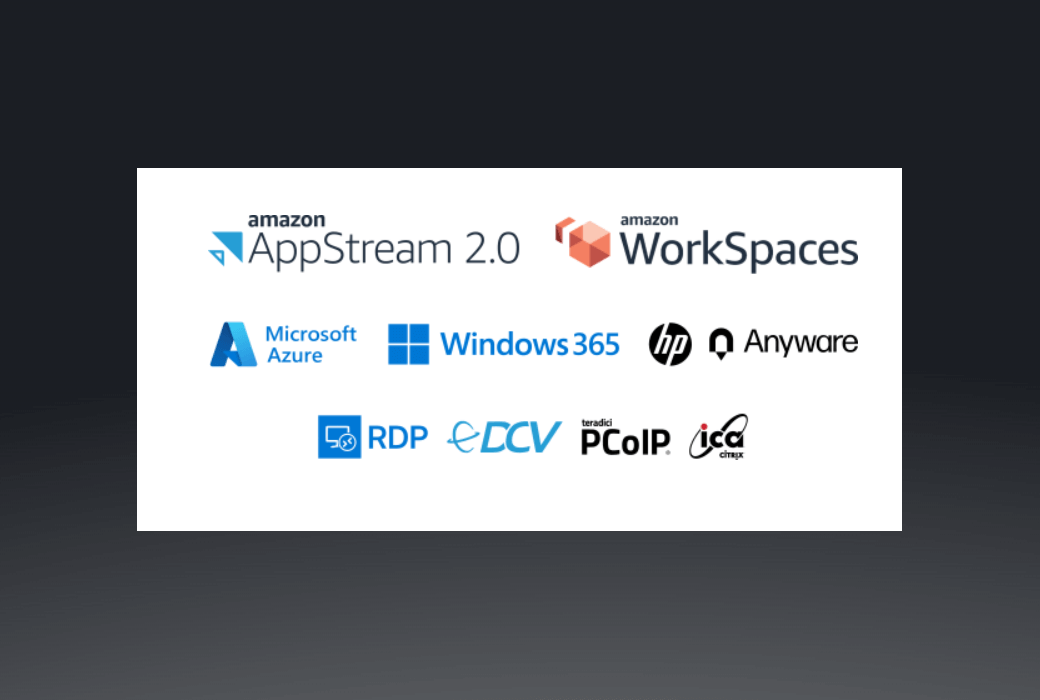
The remote desktop URL supports different remote desktop protocols, including Microsoft RDP, Citrix ICA, Amazon DCV (WSP), Omnissa (VMware) Blast, and Teradici PCoIP.
Any compatible client software can be used to access the remote end. No need to change firewall settings.
Official website:https://www.fabulatech.com/url-for-remote-desktop.html
Download Center:https://url-for-remote-desktop.apsgo.cn
Resource Download:https://www.fabulatech.com/url-for-remote-desktop-resources.html
Delivery time:Manual online processing
Operating Platform:Windows、macOS
Interface language:Supports English interface display and multiple language options.
Update Description: 3Monthly License: Supports 3 months of updates and usage. Lifetime license: After purchase, it supports 1-year updates and upgrades. After 1 year, the current version will stop updating, but this license will remain valid for this version.
Trial before purchase:7-day free trial.
How to receive goods:After purchase, the activation information will be sent to the email address at the time of placing the order, and the corresponding product activation code can be viewed in the personal center, My Orders.
Number of devices:According to the purchased authorization.
Replace computer:Uninstall the original computer and activate the new computer.
Activation guidance:To be added.
Special note:To be added.
reference material:https://www.fabulatech.com/sales-faq.html

Any question